
 Phone: 1(877) 215.8104
 Login
LoginIn this tutorial you will find detailed information on how to delete MySQL usernames and MySQL databases from your hosting account.
Removing Privileged User from a database

If you would like to remove a privileged user from a database you can easily do so by clicking on the corresponding button next to the database user as shown below:
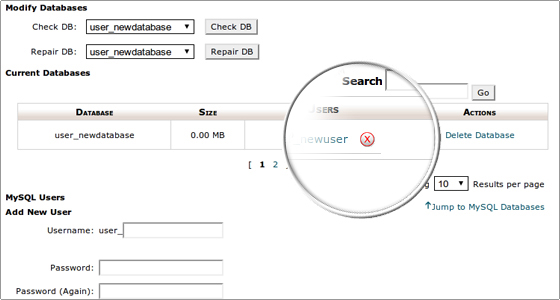
A confirmation message for the removal will be displayed. This means that the username no longer has any privileges to the database.
Removing a MySQL database
If you would like a MySQL database removed this can be easily accomplished by clicking on the Delete Database button under the Actions area:
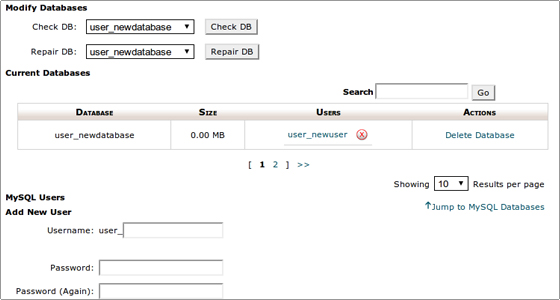
You will get a confirmation screen when the database is removed.
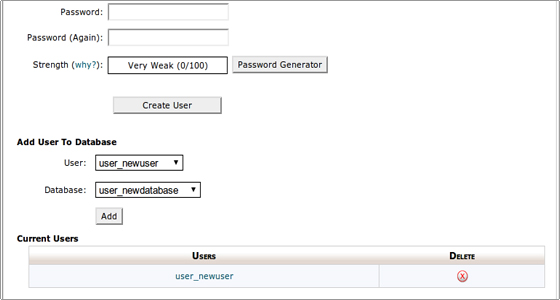
Again a confirmation screen will be shown upon successful removal.